Steam Deck
Steam Deck Verified, with one caveat: external controllers are not rated for the primary player. Handheld play passed all four checks; SteamOS on other hardware is only Playable.
VOID/BREAKER is Steam Deck Verified. That is Valve's highest compatibility tier, and it means the game passed four separate checks rather than one.
What the rating actually says
| Check | Result |
|---|---|
| Default controller configuration fully functional | Pass |
| Controller glyphs match the Deck's inputs | Pass |
| Interface text is legible on the Deck screen | Pass |
| Default configuration is performant | Pass |
| External controllers supported for the primary player | Caveat |
The caveat is the one thing to know before you buy for a TV setup: if you dock the Deck and try to play with an external controller as the primary player, support is not rated. Handheld play is unaffected.
The other Valve categories
Steam now reports compatibility across three form factors, and they do not agree for this game.
| Form factor | Category | Detail |
|---|---|---|
| Steam Deck | Verified | Four passes, one controller caveat |
| SteamOS (generic handheld/desktop) | Playable | Game startup functional; same external-controller caveat |
| Steam Frame | Unsupported | Graphics performance not rated as supported |
"Playable" on SteamOS is a lower tier than Verified — it means the game runs but may need manual configuration. For a Deck owner this is not the relevant row; for someone running SteamOS on other hardware it is.
Why the Verified rating is plausible
The game already has the two things Valve's checks care about most: full controller support with DualShock and DualSense glyphs, and a UI that scales. The RECALIBRATION update specifically improved gamepad navigation "throughout all UI", which is the kind of change that turns a Playable rating into a Verified one.
The performance check is the interesting one. The game moved to Unreal Engine 5.7 in April 2026 with FSR support and an updated DLSS, and the patch notes claim improved rendering on lower-spec machines. A Deck is exactly the hardware that claim is aimed at.
Playing on a handheld: what to change
Four settings matter more on a Deck than on a desktop.
- Auto Sprint. Added in demo 0.9.25. On a handheld, holding sprint with the same thumb that aims is worse than on a mouse and keyboard.
- Dash activation mode. Double-tap or short sprint press — pick whichever your grip can do while aiming.
- Camera shake intensity. The low setting also reduces sprint shake, which matters on a small screen.
- Resolution scaling. The game improved resolution handling when swapping between machines specifically because of Deck play, per the 0.10.10 notes.
What Verified does not promise
It does not promise frame rate. Valve's performant check means the default configuration runs acceptably, not that it holds a specific number, and a bullet-hell game with hundreds of projectiles is exactly the case where "acceptable" can mean "acceptable until Zone 05".
It also does not promise text size comfort. Legible on a Deck screen is a lower bar than comfortable for a long session, and this game's interface is dense by design: seven stat lines, module descriptions, rarity labels.
If reading small UI text is a problem for you, the honest recommendation is to try the demo on the Deck first. The demo is a smaller install and the interface density is the same.
Is the Deck version the same game
Yes. There is no separate build. The Windows build runs through Proton, your save syncs through Steam Cloud, and the 1.0 update lands on Deck at the same time as everywhere else.
The system requirements page has the desktop tiers, which are a different question from handheld performance.
Deck versus other handhelds
Verified is a Deck-specific rating. The SteamOS result — Playable, with game startup functional — is the one that applies to handheld PCs running SteamOS on different hardware, and it is a tier lower for a reason: Valve tested startup, not sustained performance on that hardware.
Windows handhelds are a third case again. They run the native Windows build, so the compatibility question becomes the desktop system requirements rather than a Valve rating.
What to check on your own Deck
Valve's checks are about configuration, not about your tolerance. Three things are worth testing in the first hour, and the demo lets you do all three for free.
- Interface legibility at arm's length. Open the modification screen and read a module description without zooming. That is the densest text in the game.
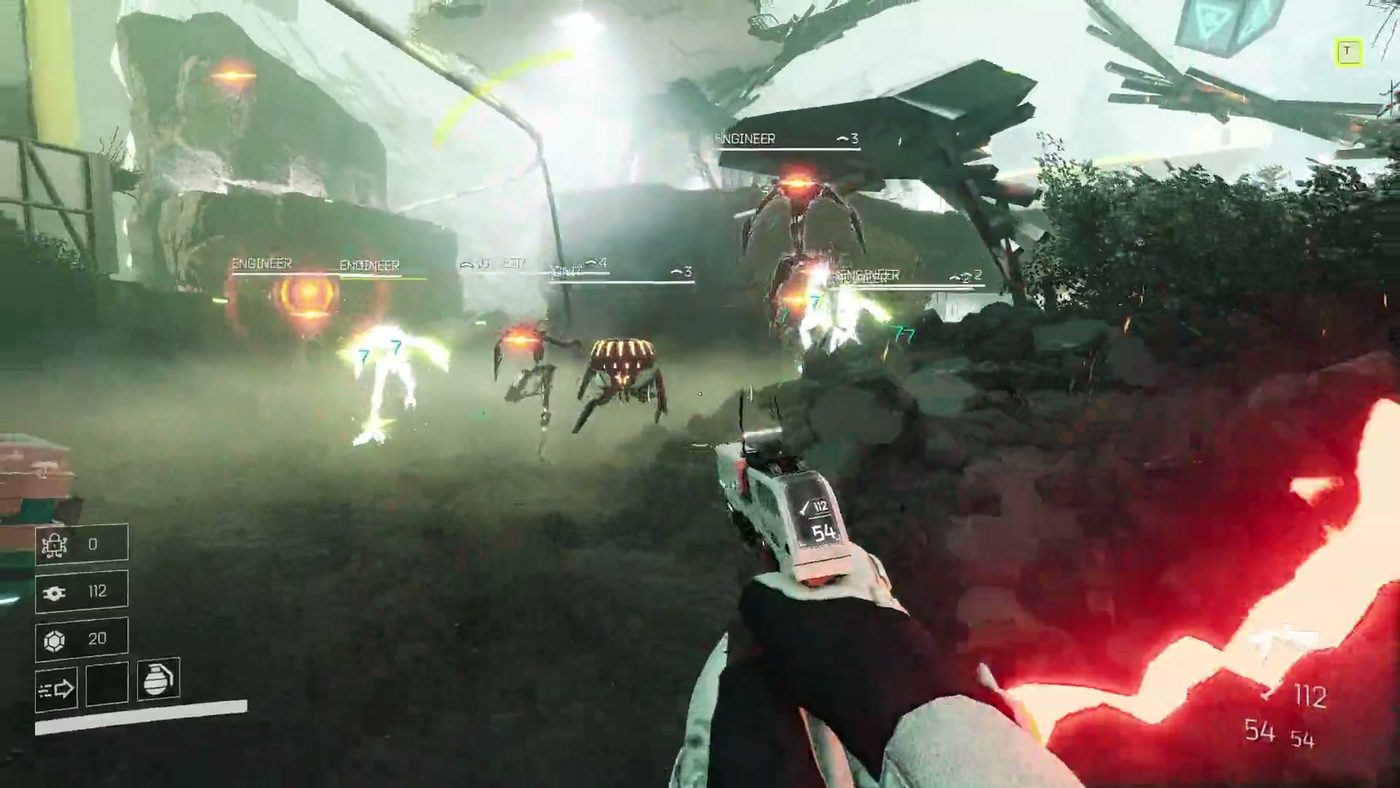
- Frame rate in a crowded arena. Zone 02 is the first honest test; Zone 01 is too sparse to tell you anything.
- Controller glyphs. If the game shows keyboard prompts on a Deck, the default configuration did not apply and the Verified rating is not describing your install.
The battery question
There is no published battery figure, and bullet-hell games are unpredictable on handhelds because load scales with what is on screen rather than with what is rendered in front of you.
What can be said is directional: the game's worst case is many projectiles and many enemies at once, which is a CPU and GPU load at the same time. If you are playing unplugged, expect to tune settings toward frame rate rather than fidelity, and expect the Chaos Terminal's modifier runs to be the heaviest thing you do.
Is Verified a promise
It is a statement about Valve's test pass on a specific build. Major updates can change performance, and this game shipped four of them during Early Access. If a future update degrades Deck performance, the rating is re-tested — but not instantly.
The safest reading is: Verified means it works out of the box today, not that it will always hold the frame rate you want.
_Figures checked 4 November 2026 against the Steam Deck compatibility report for app 2615540 and the Steam store page._