Demo guide
The demo is a free separate Steam app (3612530) and your progress carries into the full game. Both must be on the same account, and the demo is still the cheapest way to test the shooting.
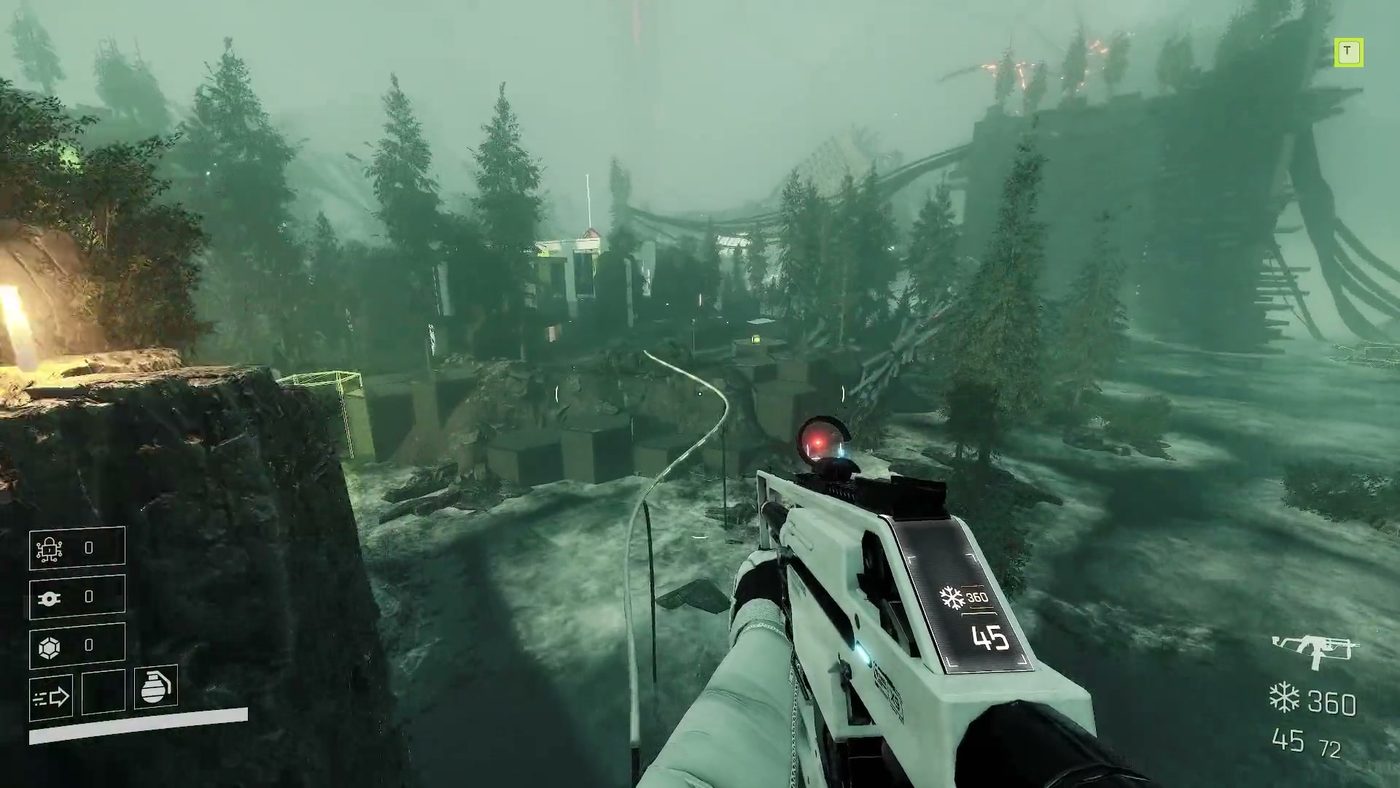
There is a free demo, it is a separate Steam app, and your progress in it carries into the full game. That last part is the reason to take it seriously rather than treating it as a trailer you can move around in.
What the demo is
| Item | Detail |
|---|---|
| Steam app | VOID/BREAKER Demo (app 3612530) |
| Price | Free |
| First released | 29 May 2025, ahead of Steam Next Fest |
| Last patched | 0.9.25, 25 July 2025 |
| Languages | English, Simplified Chinese (added in 0.9.25) |
| Progress transfer | Yes, stated by the developer in every announcement since |
The demo is not a cut-down build of the tutorial. It has been reworked twice in public: once in May 2025 off the back of a playtest with more than 3,500 participants, and again in July 2025 with a shorter tutorial and a faster route back into a run.
What the demo patches changed
| Version | Change that still matters |
|---|---|
| 0.8.36 | Gamepad bindings added to the menu, ability input moved to hold-reload |
| 0.9.0 | Voice-over reprocessed, tutorial moments that took control away removed |
| 0.9.2 | Bloom and fog toggles, screen shake slider, ADS sensitivity slider, clearer iron sights |
| 0.9.25 | Auto Sprint in settings, bosses can be staggered, Simplified Chinese, destruction tutorial improved |
Two of these are worth knowing before you play. Auto Sprint exists because holding a sprint key while bullet-hell dodging is a bad use of a finger. Boss staggering exists because the first boss used to be a straight damage check, and being able to interrupt it changes the fight.
How progress transfer works
The developer's wording has been consistent since 2025: "your demo progress carries straight over". Practically, that means the demo writes a save that the full game reads on first launch, provided both are on the same Steam account.
Three things to do so it goes smoothly:
- Finish your demo session cleanly. Quit from the menu rather than killing the process, so the save writes.
- Buy the full game on the same account. Transfer is account-bound; a key bought elsewhere and redeemed on a second account will not see the demo save.
- Do not uninstall the demo before first launching the full game. Install the full game, launch it once, confirm your unlocks are there, then clean up.
Steam Cloud is enabled for the game, so the save also follows you between machines.
What to test in the demo
The demo is short enough that you can treat it as a checklist. Four things decide whether the full game is for you:
- Does the dash feel right? Everything in the game is built on dash timing. The tutorial now includes a section that requires you to dash through a wall of projectiles, which is the honest test.
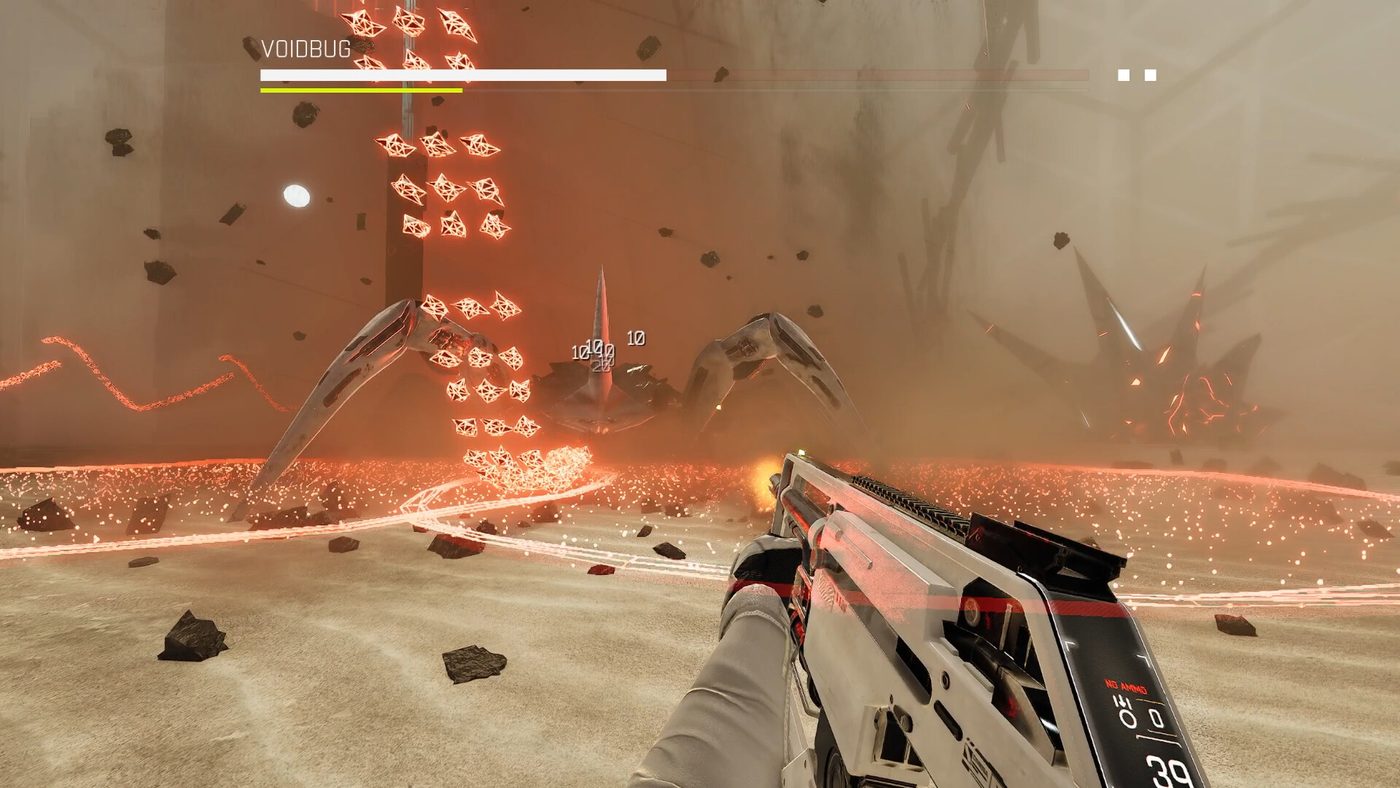
- Can you read the bullets? The game is loud, and enemy fire is the terrain. If the screen is unreadable to you at demo difficulty, later zones will not improve it.
- Do you enjoy the modification screen? Open it, look at the seven weapon stat lines, and see whether the trade-offs interest you. The full game is mostly this.
- Does the first boss read? Bosses can be staggered since 0.9.25; try to find the window.
What the demo will not tell you
It will not tell you how the run economy feels over ten hours, how wallrunning changes the movement in Zone 04, or whether the Chaos Terminal endgame holds your attention. Those are the parts that arrived after the demo's last patch, and they are covered in the zones and progression page and the builds page.
If you already own the game
The demo is still useful as a benchmark. It is a smaller install, it launches faster, and the patch history above tells you which mechanics were already in place before launch. Just do not expect the demo build to reflect the 1.0 balance.
Why the demo exists at all
Playstack's own framing is unusually blunt for a store page: "We encourage you to play it first to see if the game is something you'd actually enjoy." That sentence appears in three separate announcements, including the one that announced the price increase.
For a game that costs $29.99 with no launch discount, a free demo with save transfer is the entire risk-reduction strategy. It is also a statement about confidence: the shooting either convinces you in twenty minutes or it does not, and the studio would rather you find out for free.
What the demo means for your first purchase decision
If you finish the demo and want more, buy it — the transfer means nothing is wasted, and the full game opens up the module pool that the demo only hints at. If you finish the demo and feel satisfied, wait. The full game's value is in the long run structure — the Chaos Terminal, chassis hunting, the higher difficulties — and none of that is visible in a short demo session.
The one thing the demo cannot tell you is whether the 1.0 build runs well on your machine. System requirements are unchanged since launch, and the system requirements page has both tiers.
_Figures checked 4 November 2026 against the Steam demo store page and official Playstack announcements._